






7 Benefits of a Sit-Stand Desk Electric
Electric sit-stand desk in 2026: 7 benefits, the right height, and which IVONO fits your work style
A practical guide for people who spend long hours behind a screen and want a workspace that feels calmer, moves better with you, and stays comfortable all day.

Too much sitting isn’t a “small thing”. You often don’t notice it right away, but you do later in the day: lower energy, a stiffer back, and focus that drops off faster than you’d like.
An electric sit-stand desk isn’t a gimmick. It’s a smart foundation that makes it easy to switch between sitting and standing, so your day feels less static. And once you set it up properly (height, screen position, rhythm), the difference starts to feel very obvious.
Want to compare models, dimensions, and desktop options first?
View all sit-stand desksPopular IVONO desks in this guide


Tip: on mobile, swipe horizontally if the grid doesn’t fit fully.
In this article
What is an electric sit-stand desk?
An electric sit-stand desk (also called a height-adjustable desk) uses a motor to raise and lower the desktop. That makes it easy to switch between sitting and standing without your workday feeling “interrupted”. Especially useful if you work behind a monitor and your days can run long.
Important: the desk doesn’t automatically make your setup ergonomic. It becomes genuinely comfortable once your height, screen, and rhythm are dialed in. That’s what we’ll cover next.

How to set your desk height (without overthinking it)
You don’t need to be an ergonomics expert to improve your setup. These are the adjustments that typically deliver the biggest day-to-day difference:
- Sitting height: forearms rest comfortably on the desktop, elbows roughly at 90 degrees.
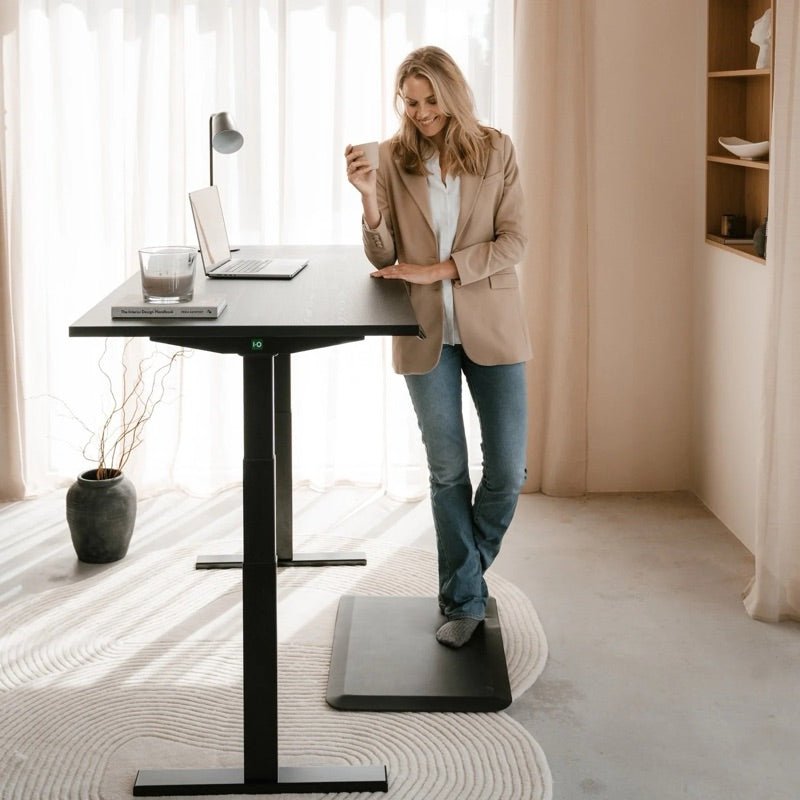
- Standing height: same principle, just standing. Keep shoulders relaxed and low.
- Screen height: top of the screen around eye level so your neck stays neutral.
- Rhythm: switch gently. For example: 30–45 minutes sitting, 10–20 minutes standing, then adjust to what feels best.
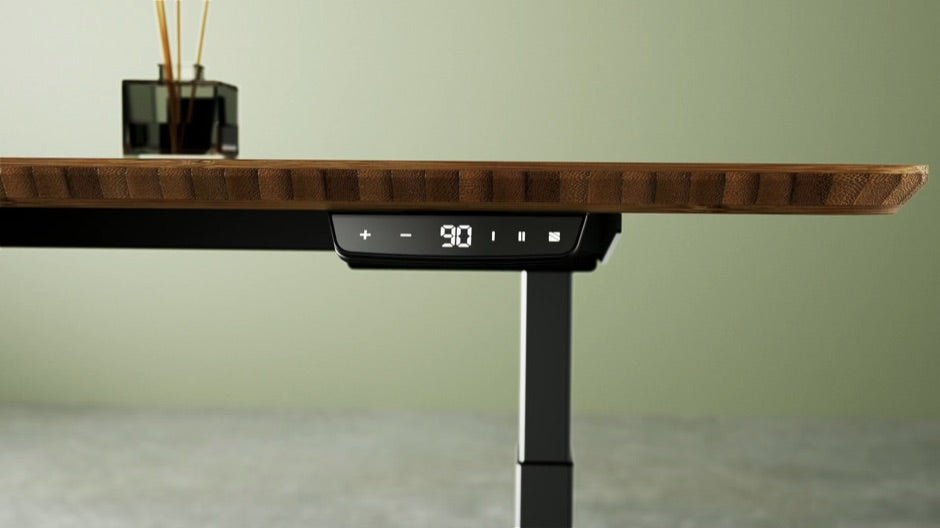
- Use memory presets: save 2 positions (sit and stand) so switching becomes effortless.
The 7 benefits of a sit-stand desk (what you’ll actually notice)
Research on sitting and standing is broad, but your workday is concrete. These are the benefits people most often notice once they start switching consistently:
- Less “static” end-of-day stiffness because your body isn’t locked into one posture for hours.
- More afternoon energy, especially when you stand for a short block after lunch.
- A calmer back when you switch regularly and your desk height is set correctly.
- Better focus blocks because standing keeps you slightly more alert without needing to move around.
- More posture variety, which can help prevent small overload points.
- A cleaner-looking setup when you pair it with cable management and a stable frame.
- A healthier routine because switching breaks up long sitting streaks.

How to choose the right sit-stand desk
The “best” desk usually isn’t the most expensive or the most technical. It’s the one that fits your room, your height range, and how intensively you’ll use it.
- Stability: crucial if you use multiple monitors or lean forward while typing.
- Height range: make sure the desk range matches your body height and your chair setup.
- Desktop: material and look matter because you’ll see and touch it every day and it shapes how the workspace feels.
- Use case: home office, shared desk, team space. This decides whether you need fast presets, a duo setup, or add-ons.
Setting up an (Arbo) ergonomic workspace and want to understand standards like NEN 527 and NPR 1813?
Read: ergonomic standards for sit-stand desksIVONO picks: which one fits you?
Three desks, three clear “sweet spots”. Not everyone needs the same thing, so we’ll keep it practical.
Echo Desk
A stable all-round electric sit-stand desk with a calm look

Core idea: Echo is built for people who simply want a strong, stable desk that feels great every day. Perfect for home, but also professional in a clean office environment.
- Ideal for: home offices, dedicated workstations, anyone who wants “just right” without overkill.
- You’ll notice: smooth height changes, a solid feel, and a clean design that matches easily.
- Choose something else if: you need a duo setup or a very specific desktop material (like bamboo).
Toka Desk Pro
A premium choice with a natural desktop feel and pro finish

Core idea: Toka is for anyone who wants a workspace that feels premium. The bamboo desktop brings warmth and a natural look, especially nice if your desk is part of your interior.
- Ideal for: daily use, home and office, people who love natural materials.
- You’ll notice: a more refined look, easy switching, and a workspace that feels “finished”.
- Choose something else if: you’re mainly budget-led or you need a desk for two people.
Doko Desk Pro
A duo sit-stand desk for teams and shared workspaces

Core idea: Doko is made for shared, professional workspaces. Ideal when two people work side-by-side and each wants their own saved heights, without compromise.
- Ideal for: team rooms, duo setups, flex spaces where multiple heights need to fit comfortably.
- You’ll notice: two independent work positions, a professional look, and a calmer space overall.
- Choose something else if: you work solo and want a more compact desk.
Frequently asked questions
How often should I stand at a sit-stand desk?
Start gently. Many people prefer switching in blocks throughout the day. Build a rhythm that feels calm in your body and is easy to maintain.
How high should my desk be?
The baseline rule: forearms relaxed on the desktop, elbows around 90 degrees, shoulders down. Screen near eye level so your neck stays neutral.
Do I need accessories?
Not always, but they often make a setup feel “complete”. Think cable management for visual calm and better monitor positioning to reduce neck strain.
Ready to choose a desk that fits your workday?
Compare sit-stand desks