






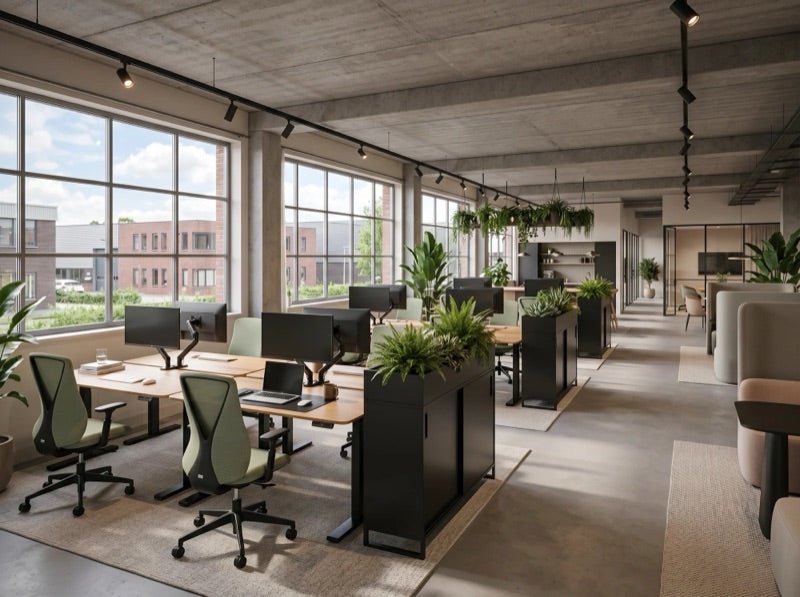
Tips for Using an Electric Standing Desk
Standing Desk in 2026: 8 Practical Tips to Get More From Your Sit-Stand Setup
A clear, practical guide for anyone who spends long hours at a screen and wants to get more out of an electric standing desk (also called a sit-stand desk or height-adjustable desk): better comfort, less fatigue, and a workspace that feels calmer and more supportive.

A standing desk is one of the smartest upgrades you can make to your workday. But the real difference isn’t just the desk—it’s how you set it up, how often you switch, and how your monitor and accessories are positioned.
Below you’ll find 8 straightforward tips to optimize your ergonomic workspace. Written for 2026: less “perfect posture,” more comfort, consistency, and repeatable habits.
Want to compare models, sizes, and desktop options first?
Shop height-adjustable desksPopular IVONO desks featured in this guide


Fixed image heights keep everything looking tidy on mobile and across different themes.
In this article
- Tip 1: Set your desk height correctly (the 90° rule)
- Tip 2: Add an anti-fatigue mat
- Tip 3: Use a neutral posture you can sustain
- Tip 4: Switch sitting and standing—smartly
- Tip 5: Keep subtle movement in your day
- Tip 6: Upgrade with ergonomic accessories
- Tip 7: Dial in monitor height & lighting
- Tip 8: Take micro-breaks for focus
- FAQ
- Wrap-up + most chosen IVONO desks
A good electric standing desk makes your workday feel less static: more variety, less stiffness, and often better energy. These are the tips that create the biggest “real life” difference.
Tip 1: Set your standing desk height correctly (the 90° rule)
Keep it simple: whether you’re sitting or standing, your arms should work in a relaxed position. Think: elbows around 90 degrees and shoulders down—not lifted.
- Sitting: feet flat, knees around 90°, forearms resting lightly on the desktop.
- Standing: same principle—forearms supported, shoulders relaxed.
- Wrists: neutral (not bent up) to keep typing/mousing effortless.
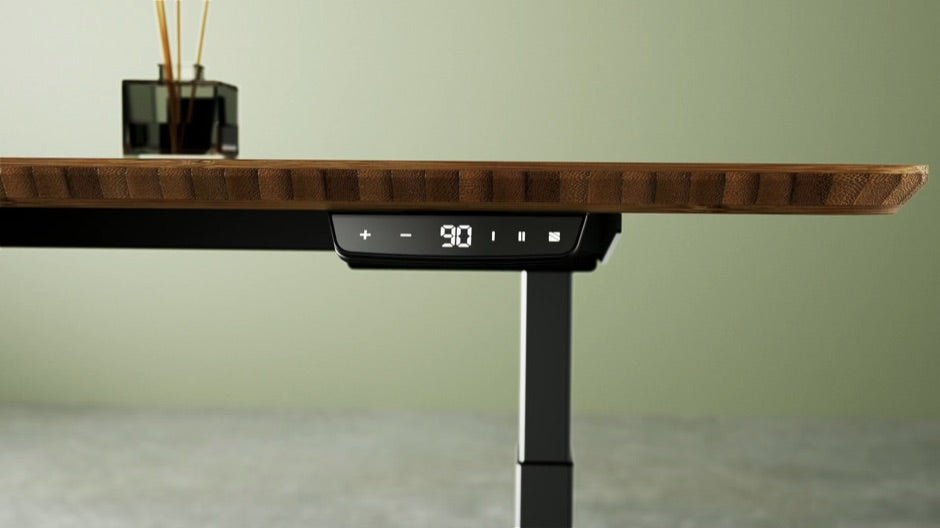
If your desk has memory presets, save two positions (sit + stand). That’s what makes switching truly effortless.
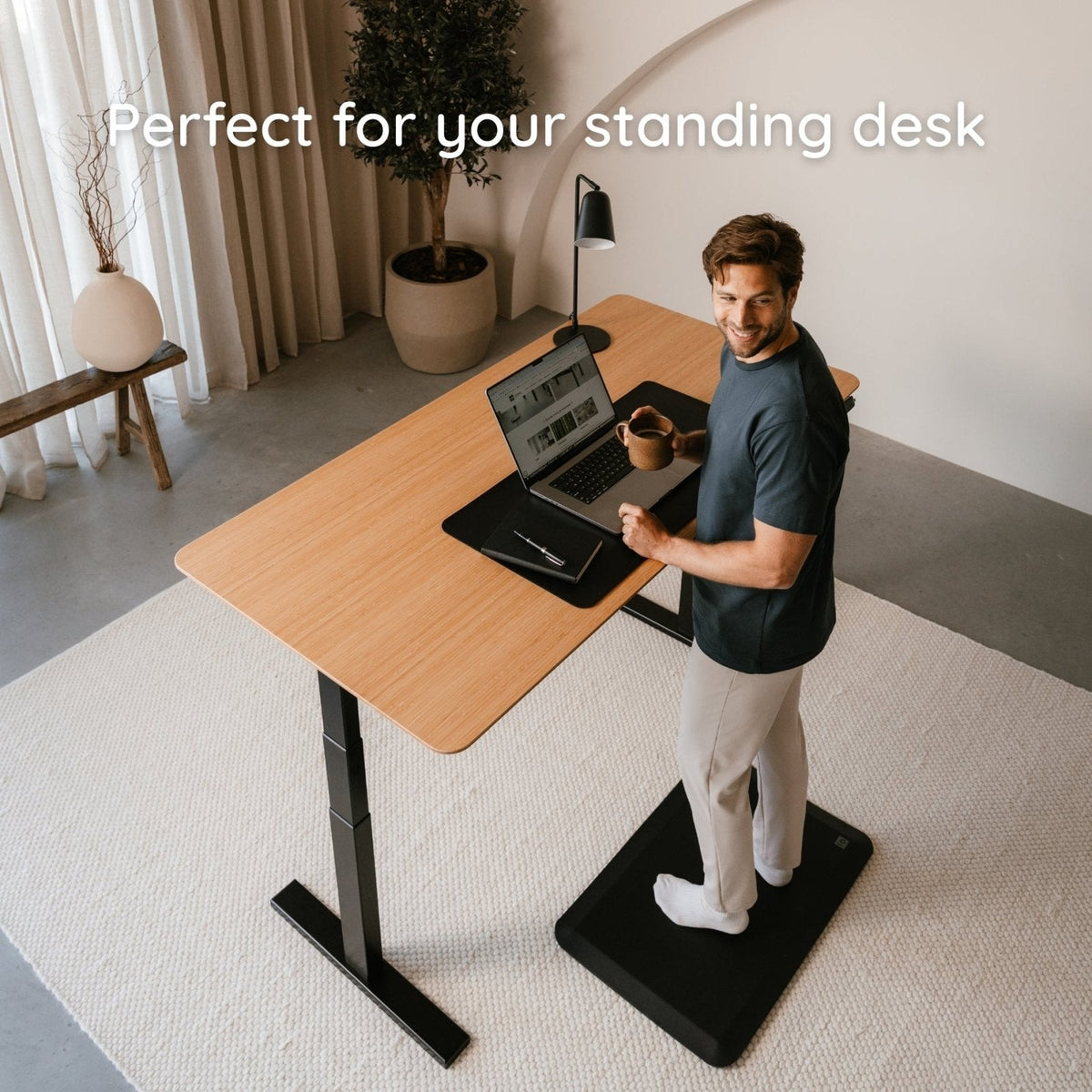
Tip 2: Add an anti-fatigue mat
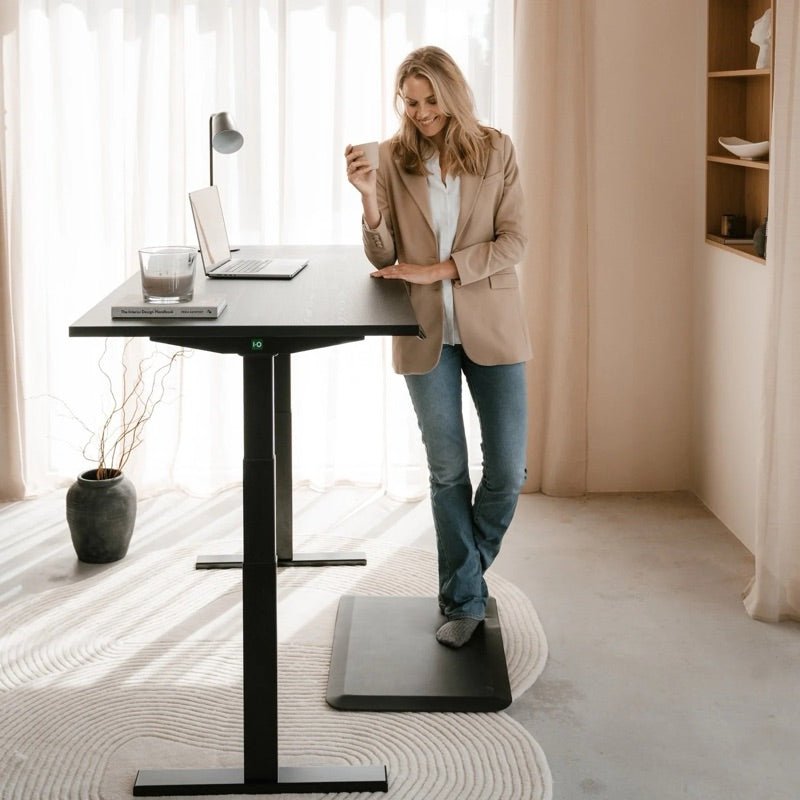
Standing works best when it feels easy. An anti-fatigue mat can reduce pressure on your feet, legs, and lower back—so you’ll actually want to stand more often at your height-adjustable desk.
Tip 3: Use a neutral posture you can sustain
Ergonomics isn’t “perfectly upright.” It’s support + variety. Aim for a long spine, relaxed shoulders, and your head stacked over your torso (not pulled toward the screen).
- Keep shoulders relaxed (not creeping upward).
- Don’t chase the screen—bring the screen to you with better positioning.
- Micro-adjustments matter: small shifts prevent stiffness.
Tip 4: Switch sitting and standing—smartly (build up gently)
The power of a sit-stand desk is breaking up long sitting blocks. A practical rhythm:
Start with 30–45 minutes sitting and 10–20 minutes standing. If it feels good, extend it over time. Consistency beats “going too hard” on day one.
Tip 5: Keep subtle movement in your day
You don’t need to “work out” at your desk. Small movements are enough: shift your weight, lift your heels, stretch briefly. It keeps circulation going and makes standing less tiring.
Tip 6: Upgrade with ergonomic accessories (fast wins)
The right accessories make your setup feel finished—and help you keep a neutral posture:
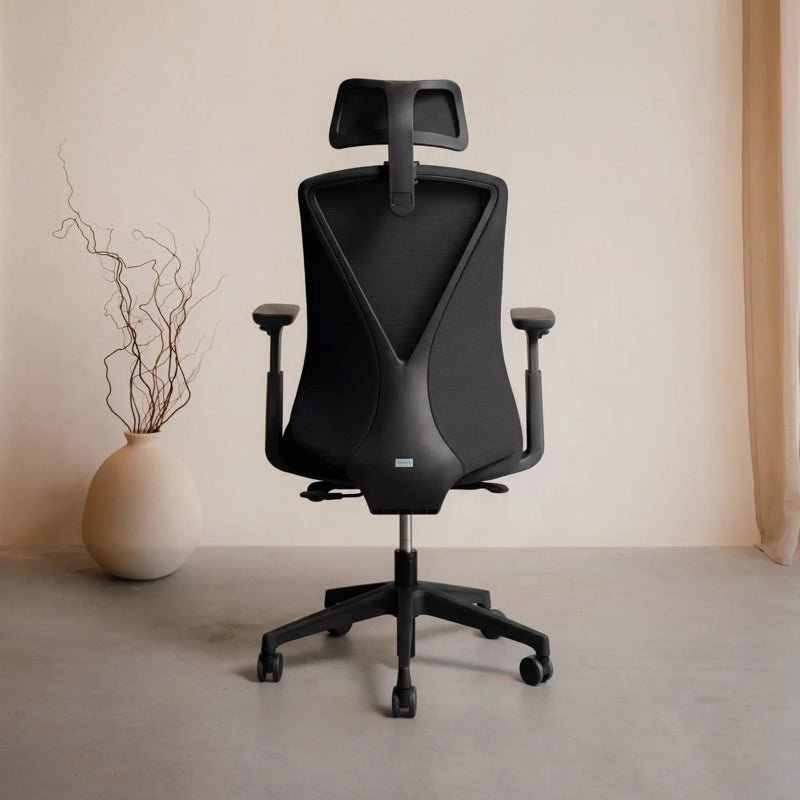
- Monitor arms to dial in screen height and free up desktop space.
- Ergonomic accessories for clean cable management and a calmer workspace.
Tip 7: Dial in monitor height & lighting
A height-adjustable desk feels dramatically better when your screen doesn’t pull you forward. Use these quick checks:
- Soft, sufficient light—avoid glare on the monitor.
- Monitor straight in front of you (not angled to the side).
- Top of the screen roughly at eye level to keep your neck neutral.

Tip 8: Take micro-breaks (the best focus “hack”)
Even with the best ergonomic desk, one thing stays essential: breaks. Once an hour, take 30–60 seconds—walk, look away from the screen, drop your shoulders. Small habit, big payoff.
FAQ
How often should I switch between sitting and standing?
Aim for every 30–60 minutes. Start gently and build up. The best rhythm is the one you can actually sustain.
Is a standing desk suitable for everyone?
For most people, yes. If you have specific conditions or pain, consult a professional. Want to learn about ergonomic standards? Read: NEN EN 527 & NPR 1813 guidelines.
What’s the best height for my desk?
Forearms relaxed on the desktop, elbows around 90°, shoulders down. Keep the monitor at (roughly) eye level. If possible, use memory presets to lock in your perfect sit and stand heights.
Wrap-up: how to get the most from your standing desk
A standing desk helps your day feel less static—often improving comfort, energy, and focus. Set your heights correctly, switch on a realistic rhythm, and finish your setup with smart accessories.
Ready to see which model fits your space?
Browse IVONO standing desksMost chosen IVONO standing desks (2026)


Ready to upgrade your workspace with a reliable electric standing desk?
Compare sit-stand desks