







Best standing desk 2026: a comparison
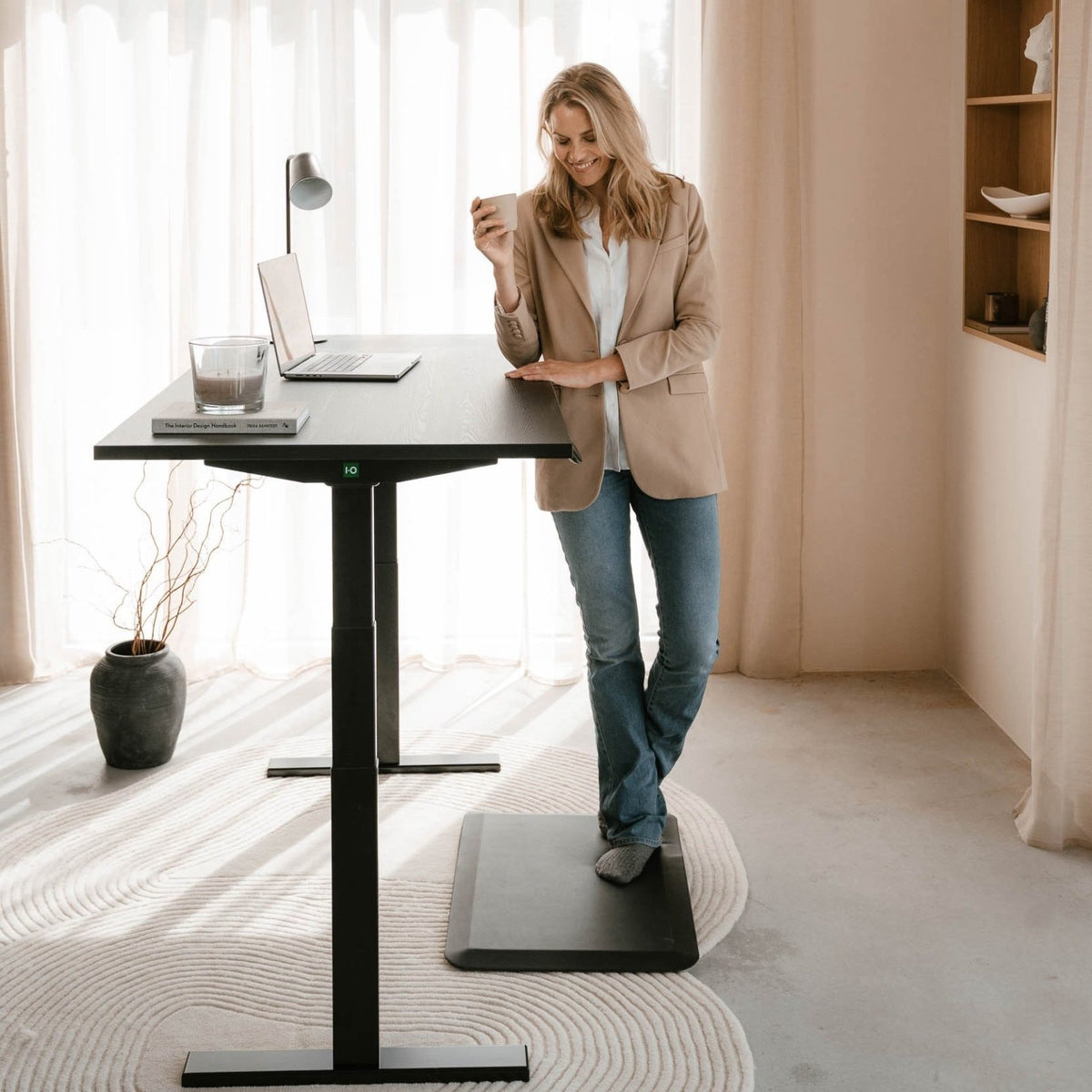
Three IVONO standing desks, compared for real-life stability, range, and how you actually work, at home or in the office.

The best sit-stand desk doesn’t feel like tech. It feels like calm. No wobble when you type. No loud motors. No second-guessing your posture. Just smooth movement between sitting and standing — and a desk that stays solid when your day gets busy.
In this guide you’ll find a simple way to choose between our three most practical options from the Sit-Stand Desks collection: Echo, Toka, and Doko. We’ll keep it grounded: who each desk suits, what you’ll notice day-to-day, and when another model makes more sense.
Prefer to browse sizes and finishes first?
View all sit-stand desksQuick pick
In this article
What matters in a sit-stand desk (in real life)
A good desk isn’t defined by specs alone. It’s defined by what you feel at 10:30, 14:00 and 17:30. These are the elements that make the biggest difference:
- Stability at standing height: typing should feel steady — even when you lean in.
- Quiet, smooth lifting: movement that doesn’t interrupt focus or meetings.
- Range (and standards): the right height range makes posture easier for more body heights.
- Surface & finish: what you touch all day should feel refined, not “temporary”.
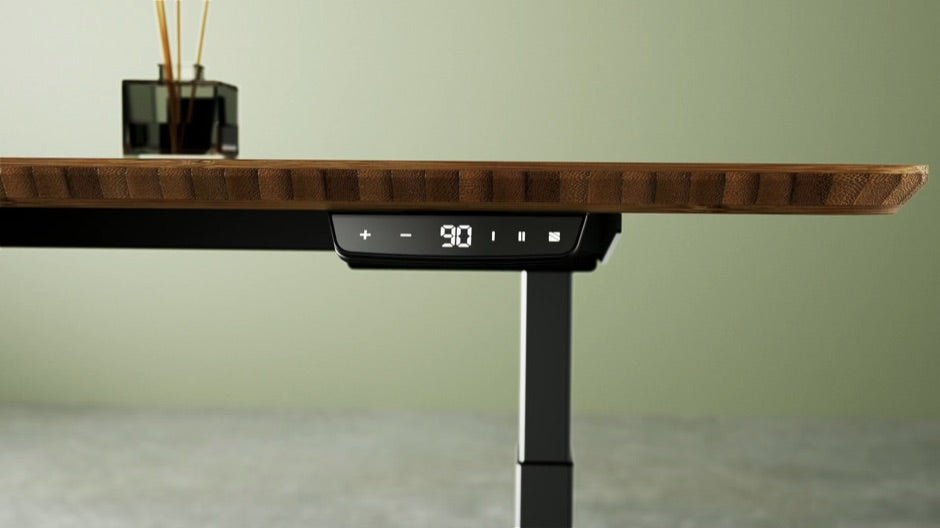
- Controls you actually use: simple, repeatable height changes — not fiddly buttons.

If you want the practical version of standards (and what they mean for daily use), read: Ergonomic standards for sit-stand desks (EN 527 / NPR 1813).
Want to see all sizes and finishes in one place?
Explore the sit-stand desk collectionHow to choose the best sit-stand desk for you
A calm rule: choose by work style, not by feature lists. The “best” desk is the one that fits your day without friction.
- If you want one desk that just works: start with Echo.
- If your desk is part of your interior: Toka feels the most “finished”.
- If you share a workspace: Doko PRO Duo is built for two users, properly.
The three IVONO models (same structure, clearer choice)
For each model you’ll see who it suits, what you’ll notice, and when another option is the better fit.
Echo
All-day stability, quietly refined

Core: Echo is built for everyday focus. It stays vibration-free at every height, with smooth, quiet lifting that doesn’t pull you out of flow.
- Ideal for: one-person workstations, long screen days, home offices that need “professional calm”.
- What you notice: steadier typing at standing height, easy switching, a surface that feels refined day after day.
- Not ideal if: you mainly want a solid wood statement piece.
Toka
Solid wood presence, a “finished” desk feel

Core: Toka is for people who want ergonomics without the “office look”. The solid wood top gives the workspace a warmer, more intentional presence.
- Ideal for: design-forward home offices, creative studios, client-facing spaces.
- What you notice: your desk feels like a piece of the room — not a device. Still smooth and powerful in daily movement.
- Not ideal if: you want the most pragmatic “value first” option.
Doko
PRO Duo for shared spaces (built properly for two)

Core: Doko PRO Duo is designed for two-person workspaces where stability matters twice as much. Reinforced support and synchronized lifting keep the surface balanced during adjustments.
- Ideal for: offices, teams, shared home workspaces, and dual-monitor setups for two users.
- What you notice: the desk stays steady even with two people working; adjustments feel controlled and even.
- Not ideal if: you need the most compact option for a small room.
Comparison (what you feel daily)
On mobile you can swipe horizontally to see the full comparison.
Quick setup checklist (so the desk actually helps)
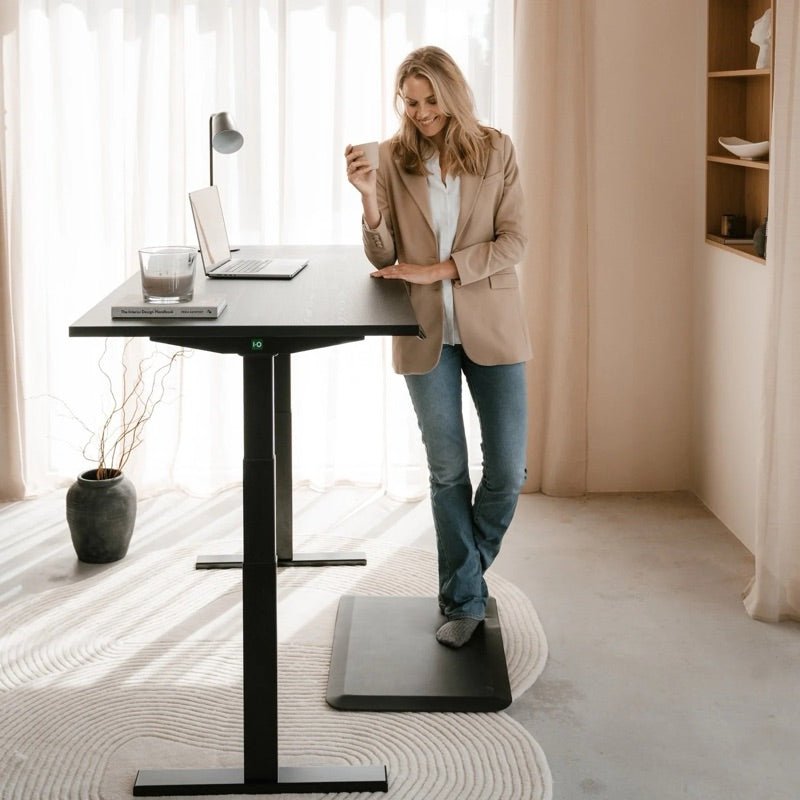
- Sitting height: elbows around 90°, shoulders low, wrists neutral while typing.
- Standing height: same elbow angle — don’t lift your shoulders to “reach” the desk.
- Screen height: top of your screen around eye level (a monitor arm makes this much easier).
- Switch rhythm: alternate every 30–60 minutes; short, frequent changes beat long standing blocks.
- Foot comfort: if you stand often, consider comfort add-ons from the accessories collection.

Building a cleaner, more ergonomic setup?
Browse monitor armsFAQ: best sit-stand desk
How often should I switch between sitting and standing?
Most people do best with a switch every 30–60 minutes. Keep it light and regular — small changes reduce static load.
What matters more: range or stability?
If your desk wobbles at standing height, you’ll stop using standing mode. Stability is the foundation; range completes the fit.
Is a solid wood sit-stand desk worth it?
If your workspace is part of your interior, yes. Solid wood adds warmth and “permanence” — it can make the whole room feel calmer.
Which desk is best for shared workspaces?
A duo setup needs stability and synchronized movement. A purpose-built two-person desk avoids the compromises of combining two separate desks.
Do I need a monitor arm with a sit-stand desk?
Not strictly, but it’s one of the easiest upgrades. It helps you keep screen height correct in both sitting and standing positions.
Conclusion
The best sit-stand desk is not the one with the longest spec sheet. It’s the one that fits your work style so well you keep using it — quietly, every day. If you want the safest all-round pick, start with Echo. If you want premium solid wood presence, choose Toka. If you’re building a shared space, Doko PRO Duo is made for that reality.
Ready to choose your desk calmly?
Compare sit-stand desks